Only Plan Admins are able to delete projects. Please contact your Plan Admin and ask them to delete your project if required.
⚠ Note: Deleted projects cannot be recovered.
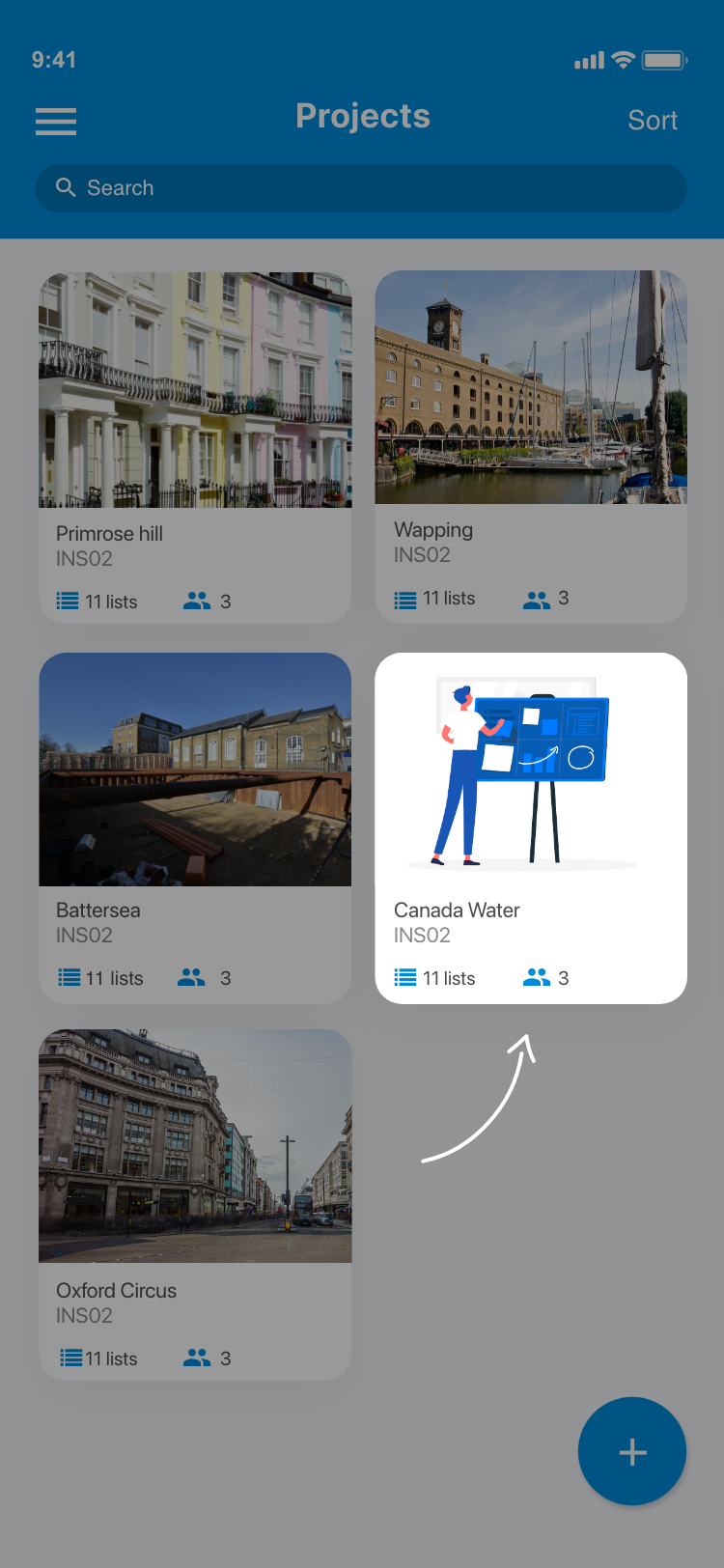
1. From the home screen go to Your project.
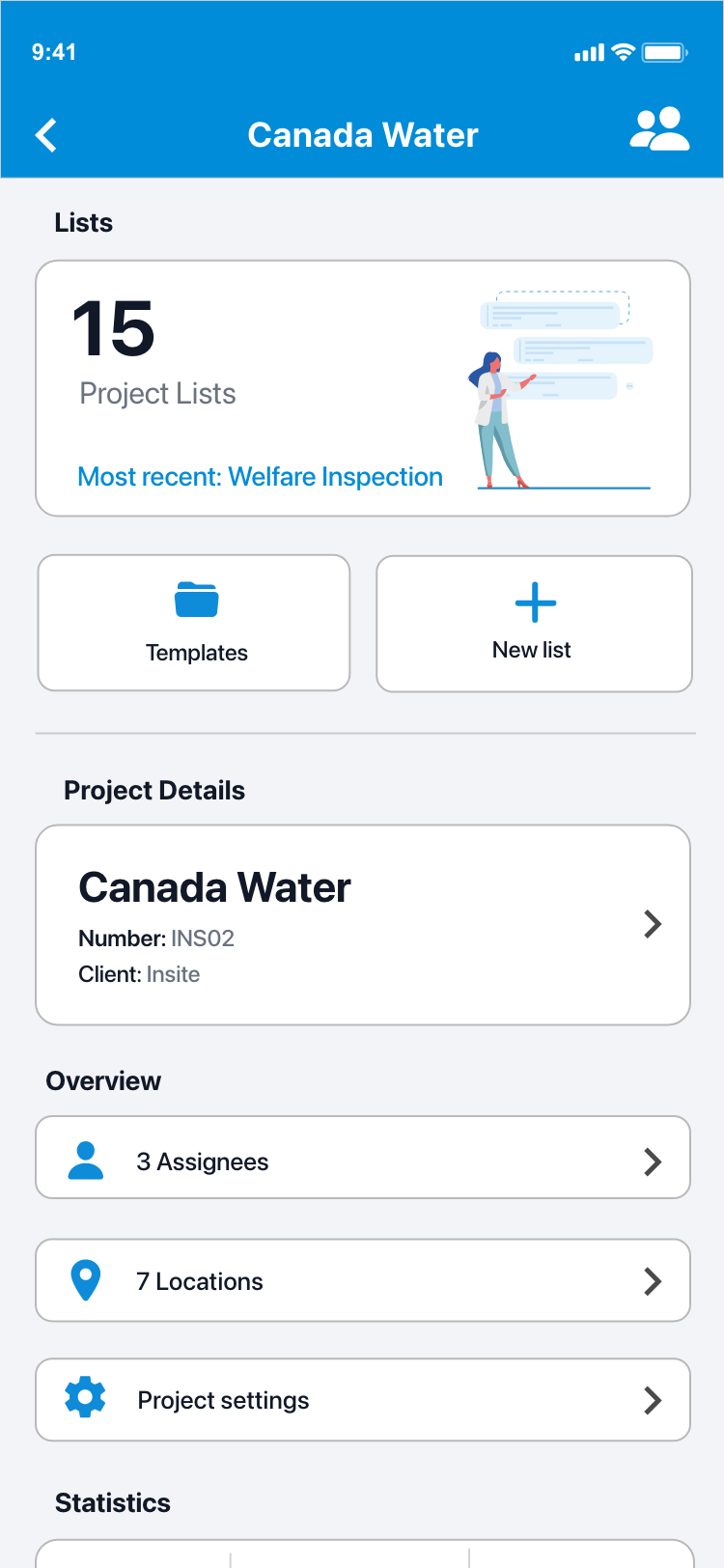
2. You will now be presented with the project dashboard screen.
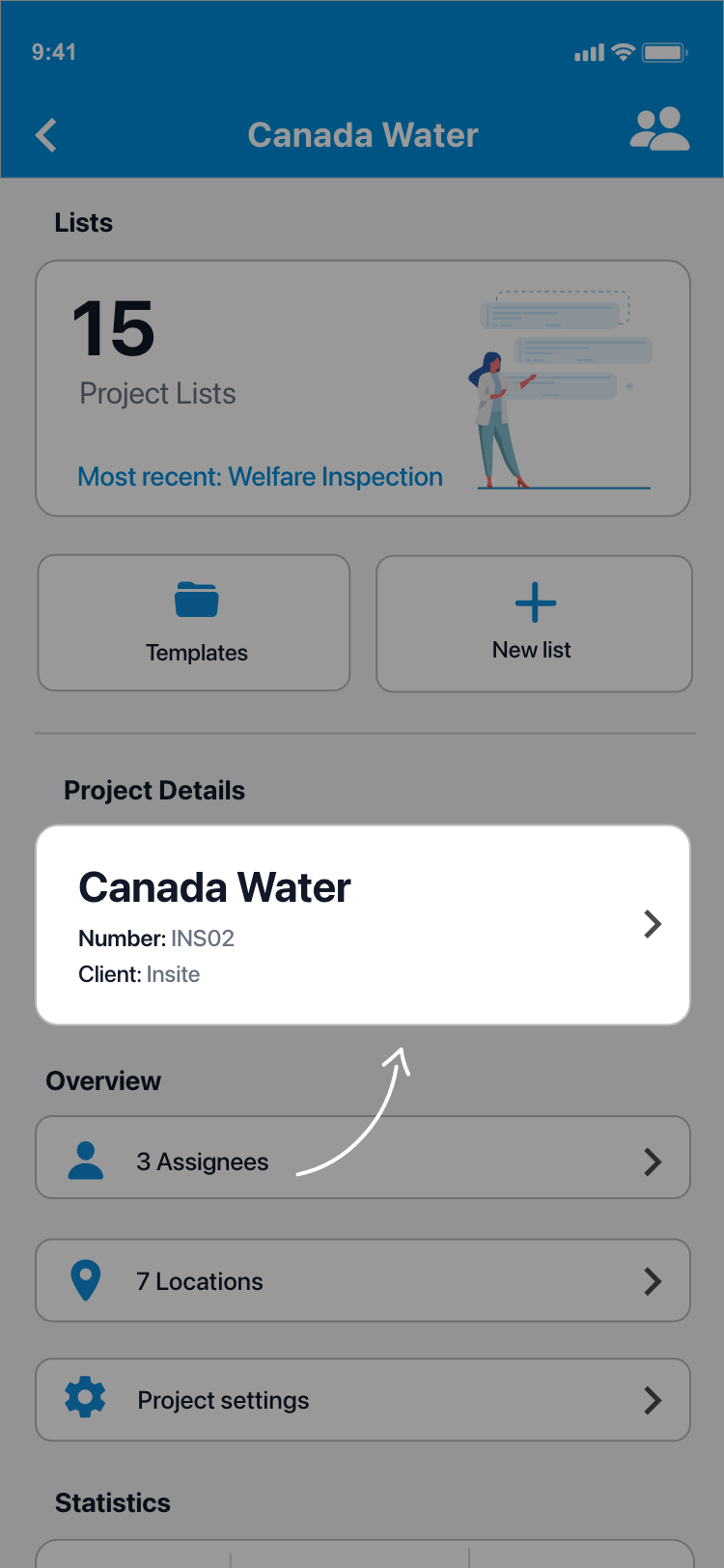
3. Tap the Project details card located below your lists.
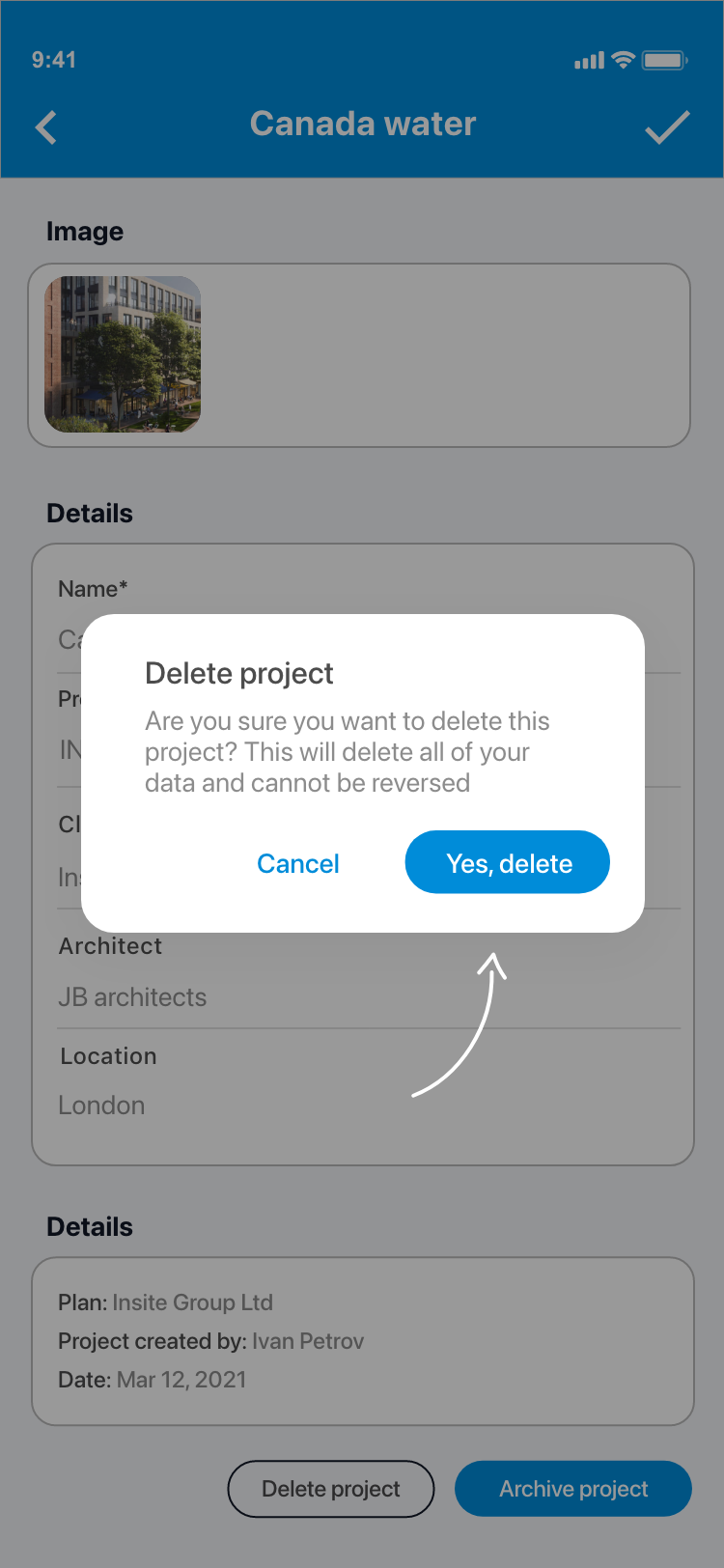
4. Scroll to the bottom of the page to find the Delete project button.
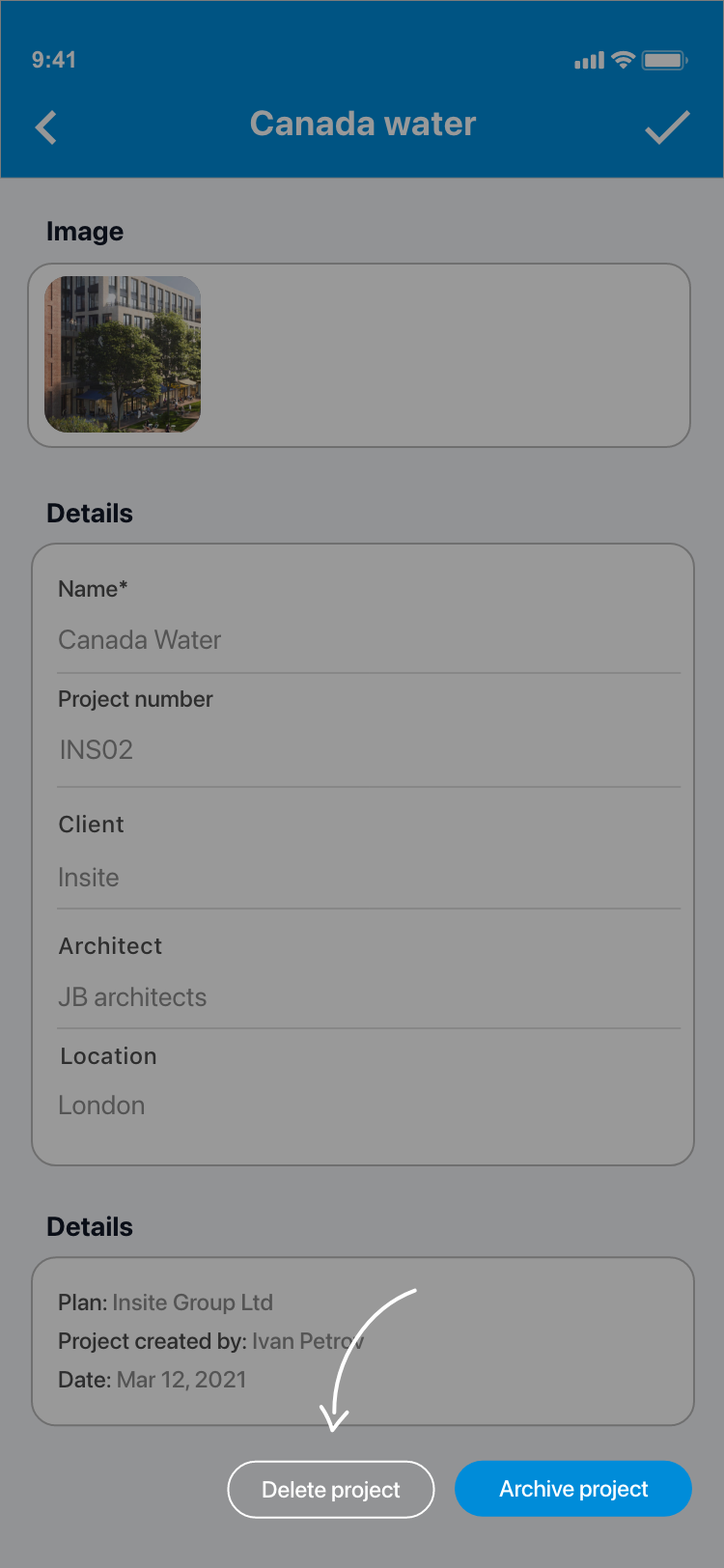
5. Tap on Delete project. You will now be presented with an are you sure alert. Select Delete to confirm and delete the project.
Comments
0 comments
Please sign in to leave a comment.